

Introduction
Entering the workforce as a fresher can be challenging. Employers often expect candidates to demonstrate strong communication, productivity, research, problem-solving, and organizational skills despite having limited professional experience. Fortunately, artificial intelligence has made it easier than ever for newcomers to perform at a level that closely resembles experienced professionals.AI Tools
AI tools cannot replace expertise, but they can significantly enhance efficiency, improve work quality, and help freshers present themselves more professionally. Whether you’re applying for jobs, managing projects, conducting research, creating presentations, or improving productivity, the right AI tools can help you work smarter and build confidence.
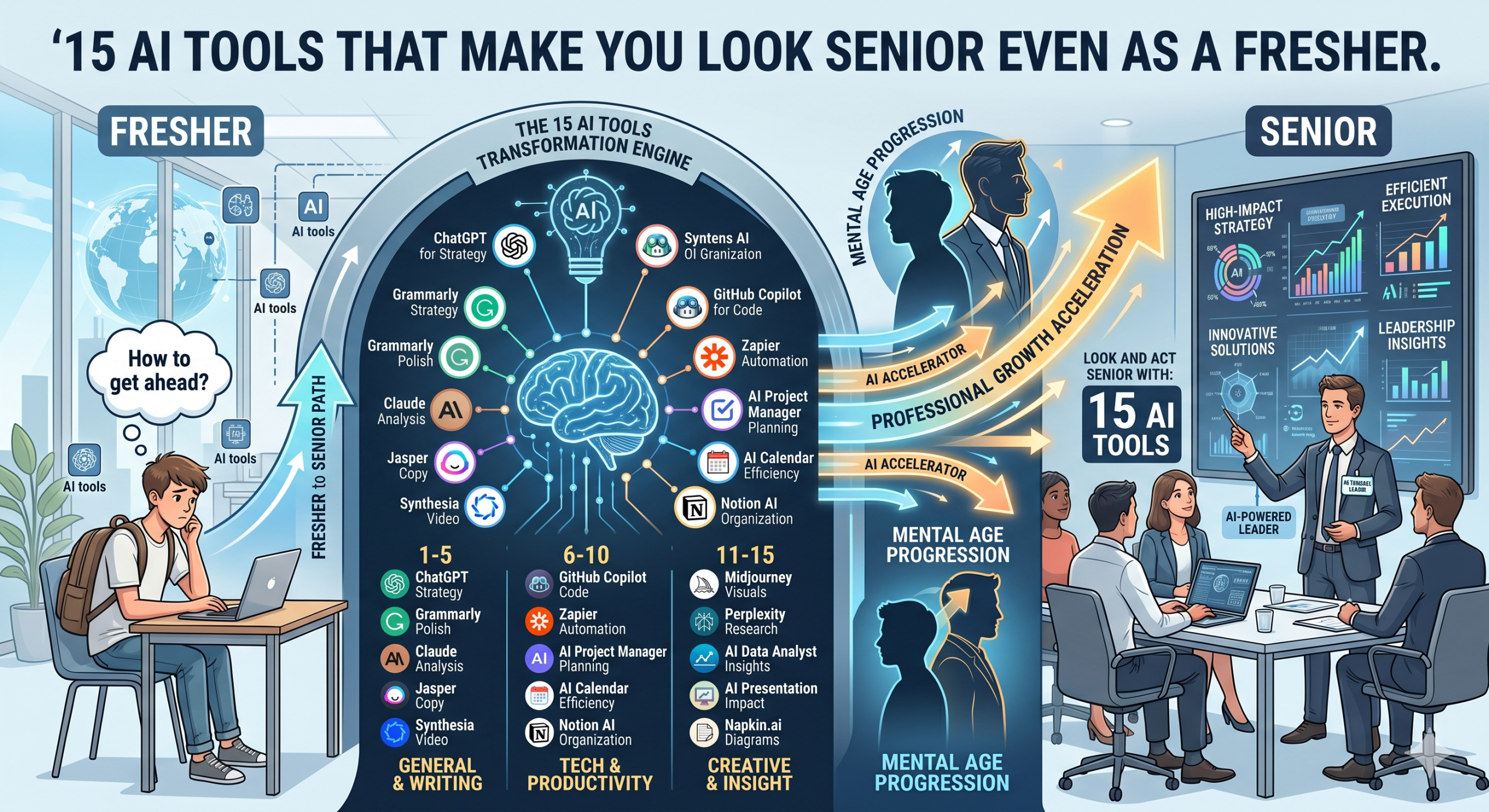
Here are 15 AI tools that can help freshers create a strong professional impression and accelerate career growth.
1. ChatGPT
ChatGPT is one of the most versatile AI tools available today. It can assist with:
- Research
- Content creation
- Email drafting
- Interview preparation
- Problem-solving
- Learning new concepts
Freshers can use it to improve communication skills and gain a better understanding of industry topics.
2. Grammarly
Professional communication matters in every role.
Grammarly helps users:
- Correct grammar mistakes
- Improve sentence structure
- Enhance clarity
- Maintain a professional tone
It ensures emails, reports, and job applications appear polished and professional.
3. Notion AI
Notion AI helps organize information and manage tasks effectively.
Useful features include:
- Meeting notes
- Project planning
- Knowledge management
- Task organization
- Content generation
It helps freshers appear highly organized and efficient.
4. Perplexity
Perplexity provides researched answers with source references.
It is particularly useful for:
- Industry research
- Market analysis
- Trend tracking
- Learning new topics quickly
This tool helps freshers speak more confidently about professional subjects.
5. Canva
Professional presentations and visual content are valuable in almost every career.
Canva enables users to create:
- Presentations
- Social media graphics
- Reports
- Infographics
- Portfolios
Its AI-powered features simplify design work significantly.
6. Gamma
Gamma can turn ideas into professional presentations within minutes.
Benefits include:
- Automated slide creation
- Professional layouts
- Quick content organization
- Better visual storytelling
This tool helps freshers deliver presentations that look executive-ready.
7. Otter.ai
Otter.ai records and transcribes meetings automatically.
It helps professionals:
- Capture key discussions
- Generate summaries
- Improve meeting productivity
- Organize action items
Using meeting insights effectively often creates a strong professional impression.
8. Tome
Tome helps create compelling business narratives and presentations.
Freshers can use it for:
- Project reports
- Client proposals
- Case studies
- Portfolio presentations
It enhances communication and storytelling skills.
9. Fireflies.ai
Fireflies automatically records, summarizes, and analyzes meetings.
Key benefits include:
- Automated notes
- Searchable conversations
- Productivity tracking
- Action item identification
This allows freshers to stay organized and informed.
10. Jasper
Jasper assists with professional writing tasks such as:
- Blog posts
- Marketing copy
- Emails
- Product descriptions
- Social media content
It helps users produce high-quality written content efficiently.
11. Microsoft Copilot
Microsoft Copilot integrates with workplace tools.
It can assist with:
- Document creation
- Spreadsheet analysis
- Meeting summaries
- Presentation development
- Data organization
This helps freshers navigate workplace tasks more effectively.
12. GitHub Copilot
For technical professionals, GitHub Copilot accelerates development work.
It supports:
- Code generation
- Debugging
- Documentation
- Learning programming concepts
Even beginner developers can improve productivity significantly.
13. Reclaim.ai
Time management is a critical professional skill.
Reclaim.ai helps users:
- Schedule tasks
- Protect focus time
- Balance workloads
- Improve productivity
Strong scheduling habits often distinguish high-performing professionals.
14. Beautiful.ai
Beautiful.ai simplifies presentation design through automation.
Advantages include:
- Professional templates
- Consistent formatting
- Better visual communication
- Faster presentation creation
This helps freshers produce executive-quality presentations.
15. Resume Worded
Resume Worded provides feedback on:
- Resumes
- LinkedIn profiles
- Career documents
It helps job seekers improve applications and increase interview opportunities.
How Freshers Can Use AI Responsibly
AI tools are most effective when used to enhance skills rather than replace learning.
Best practices include:
- Verify important information
- Add personal insights
- Continue developing core skills
- Use AI for productivity, not shortcuts
- Focus on continuous learning
Employers value professionals who combine technology with critical thinking and sound judgment.
Using AI for Remote Work, Productivity, and Career Growth
AI has become particularly valuable for remote professionals.
It can help with:
Productivity
- Task management
- Time tracking
- Meeting organization
- Workflow optimization
Communication
- Email drafting
- Presentation creation
- Report writing
- Documentation
Career Development
- Resume improvement
- Interview preparation
- Skill development
- Industry research
Freshers who learn to leverage AI effectively often adapt more quickly to professional environments.
Finding Opportunities to Apply Your Skills
Having AI skills is valuable, but applying them in real-world situations is equally important.
Global job platforms such as BEST JOB TOOL help professionals discover opportunities across industries and locations. By understanding employer requirements through BEST JOB TOOL, freshers can identify which AI-enhanced skills are most relevant in today’s workforce.
BEST JOB TOOL also provides insights into emerging roles, remote work opportunities, and in-demand competencies that can help professionals stay competitive.
Conclusion
AI is changing how professionals work, learn, communicate, and solve problems. For freshers entering the workforce, these tools provide an opportunity to improve productivity, enhance work quality, and build confidence from day one.
While AI cannot replace experience, it can help bridge knowledge gaps, accelerate learning, and improve professional performance. By mastering tools such as ChatGPT, Grammarly, Notion AI, Perplexity, and Microsoft Copilot, freshers can present themselves more effectively and contribute value sooner.
The key is using AI as a productivity multiplier rather than a substitute for skill development. Combined with continuous learning and opportunities discovered through platforms like BEST JOB TOOL, these technologies can help freshers build stronger careers and stand out in an increasingly competitive job market.






Comments
Be the first to leave a comment.