

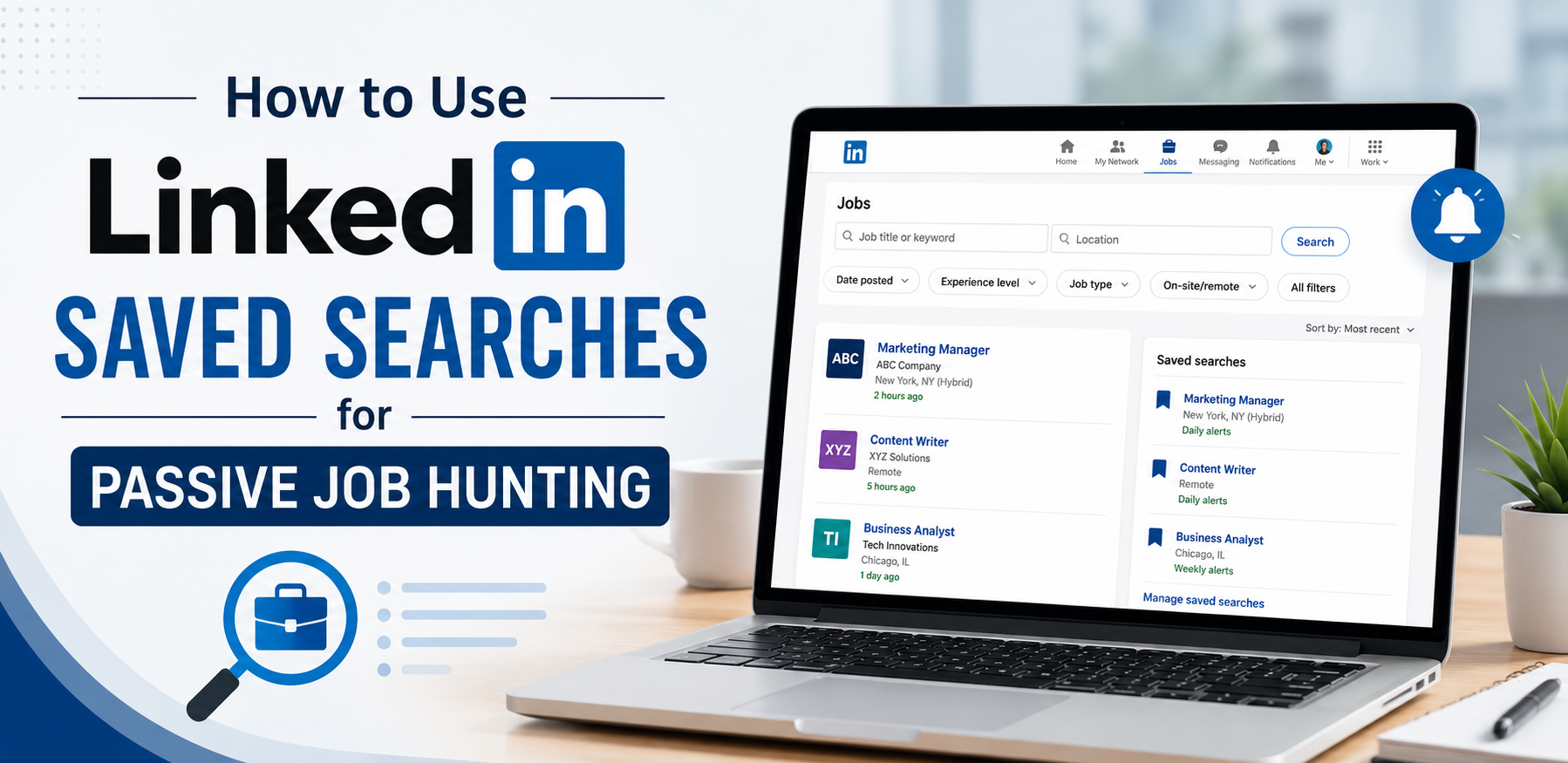
Introduction: LinkedIn Saved Searches
LinkedIn is one of the most popular platforms for professionals looking for new career opportunities. Many people actively search for jobs every day by visiting the LinkedIn Jobs section, applying for openings, and networking with recruiters. However, not everyone has the time to search for jobs daily.
If you already have a job, run a business, study full-time, or simply prefer a less time-consuming approach, passive job hunting can be a smart strategy. One of the most useful LinkedIn features for passive job hunting is LinkedIn Saved Searches.
Saved Searches allow you to create job search filters once and receive notifications when new jobs matching your preferences are posted. This helps you stay updated without constantly checking LinkedIn.
In this article, you will learn what LinkedIn Saved Searches are, why they are useful, and how to use them effectively for passive job hunting.
What Are LinkedIn Saved Searches?
LinkedIn Saved Searches allow users to save specific job search criteria and receive alerts when new jobs match those preferences.
Instead of entering the same search details repeatedly, LinkedIn remembers your selected filters and sends updates whenever relevant positions become available.
For example, you can save a search for:
- Content Writer jobs
- Remote Marketing Manager positions
- Business Development Executive roles
- Human Resources jobs in Delhi
- Entry-level Data Analyst positions
How to Save a LinkedIn Job Search?
After setting your preferred filters, saving the search is simple.
Step 1: Create Your Search
Enter:
- Job title
- Location
- Filters
Step 2: Click Save Search
LinkedIn usually displays a Save Search option near the search results page.
Click it.
Step 3: Enable Alerts
After saving the search, LinkedIn will ask whether you want job alerts.
Turn notifications on.
You can choose:
- Daily alerts
- Weekly alerts
Daily alerts are generally more effective for job seekers because they help you respond quickly.
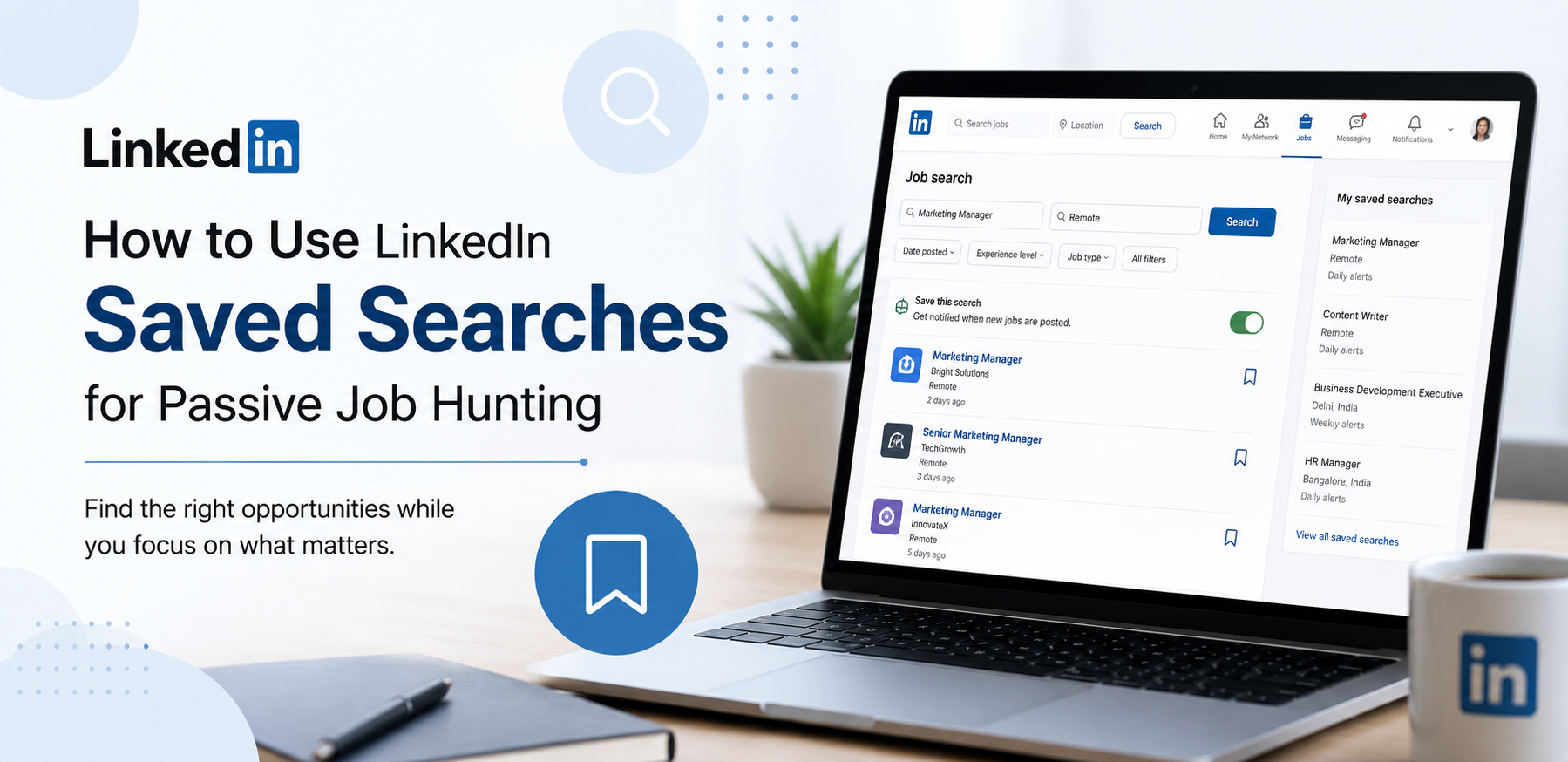
How to Use LinkedIn Saved Searches for Passive Job Hunting?
1. Create Multiple Saved Searches
One common mistake is creating only one saved search.
Most professionals qualify for multiple roles.
For example, a content writer could create separate searches for:
- Content Writer
- Copywriter
- Blog Writer
- Content Marketing Specialist
- SEO Content Writer
This increases the number of opportunities you discover.
Similarly, a business development professional could save searches for:
- Business Development Executive
- Sales Executive
- Account Manager
- Client Relationship Manager
- Business Development Associate
Multiple searches create a wider opportunity pipeline.
2. Use Different Location-Based Searches
Many professionals limit themselves by monitoring only one city.
Consider saving searches for:
- Your current city
- Nearby cities
- Remote jobs
- International remote positions
This can significantly increase your options.
For example:
- Content Writer – Delhi
- Content Writer – Remote
- Content Writer – Mumbai
- Content Writer – Bangalore
Each search may produce different opportunities.
3. Include Remote Work Opportunities
Remote work has become increasingly popular.
Many companies hire employees regardless of location.
Creating separate saved searches for remote positions can help you discover opportunities that may not appear in local searches.
Examples:
- Remote Content Writer
- Remote Social Media Manager
- Remote Graphic Designer
- Remote Customer Support Specialist
Remote job searches can greatly expand your career possibilities.
4. Optimize Your LinkedIn Profile First
Saved Searches bring opportunities to you, but recruiters will often review your profile before contacting you.
Therefore, profile optimization is important.
Make sure your profile includes:
Professional Profile Photo
Use a clear and professional image.
Strong Headline
Instead of simply writing:
“Content Writer”
Try:
“Content Writer | Blog Writer | SEO Content Specialist”
This improves visibility.
Detailed About Section
Explain:
- Your skills
- Experience
- Achievements
- Career goals
Skills Section
Add relevant skills that recruiters search for.
Examples:
- Content Writing
- Copywriting
- SEO
- Social Media Marketing
- Email Marketing
A strong profile increases the chances of recruiter outreach.
5. Turn On Open to Work
LinkedIn’s Open to Work feature complements Saved Searches perfectly.
When enabled, recruiters can see that you are interested in opportunities.
You can choose:
- Public visibility
- Recruiter-only visibility
Recruiter-only visibility is often preferred by professionals who are currently employed.
Combining Open to Work with Saved Searches creates a stronger passive job search strategy.
6. Review Job Alerts Regularly
Receiving alerts is only helpful if you check them.
Set aside a few minutes each day to review:
- Email notifications
- LinkedIn notifications
- Job recommendations
Even passive job seekers should remain consistent.
A quick daily review can help you discover excellent opportunities before they become crowded with applicants.
Conclusion: LinkedIn Saved Searches
LinkedIn Saved Searches is one of the simplest and most effective tools for passive job hunting. Instead of spending hours searching for jobs every day, you can create targeted searches, save them, and receive alerts whenever new opportunities match your preferences.
By creating multiple searches, monitoring different locations, including remote opportunities, optimizing your LinkedIn profile, and reviewing alerts regularly, you can stay connected to the job market while focusing on your current responsibilities.






Comments
Be the first to leave a comment.