

Introduction: Notion AI
I think that job searching can become overwhelming and a bit hectic when you have tons of companies that you are interested in. It is easy to save links to jobs somewhere else, forget to apply to jobs before the deadline, forget about interviews, or even apply to the same job twice. A simple system will make the search much easier. Using a software such as Notion can help with organizing and finding jobs, and the Notion AIs can make it even easier.
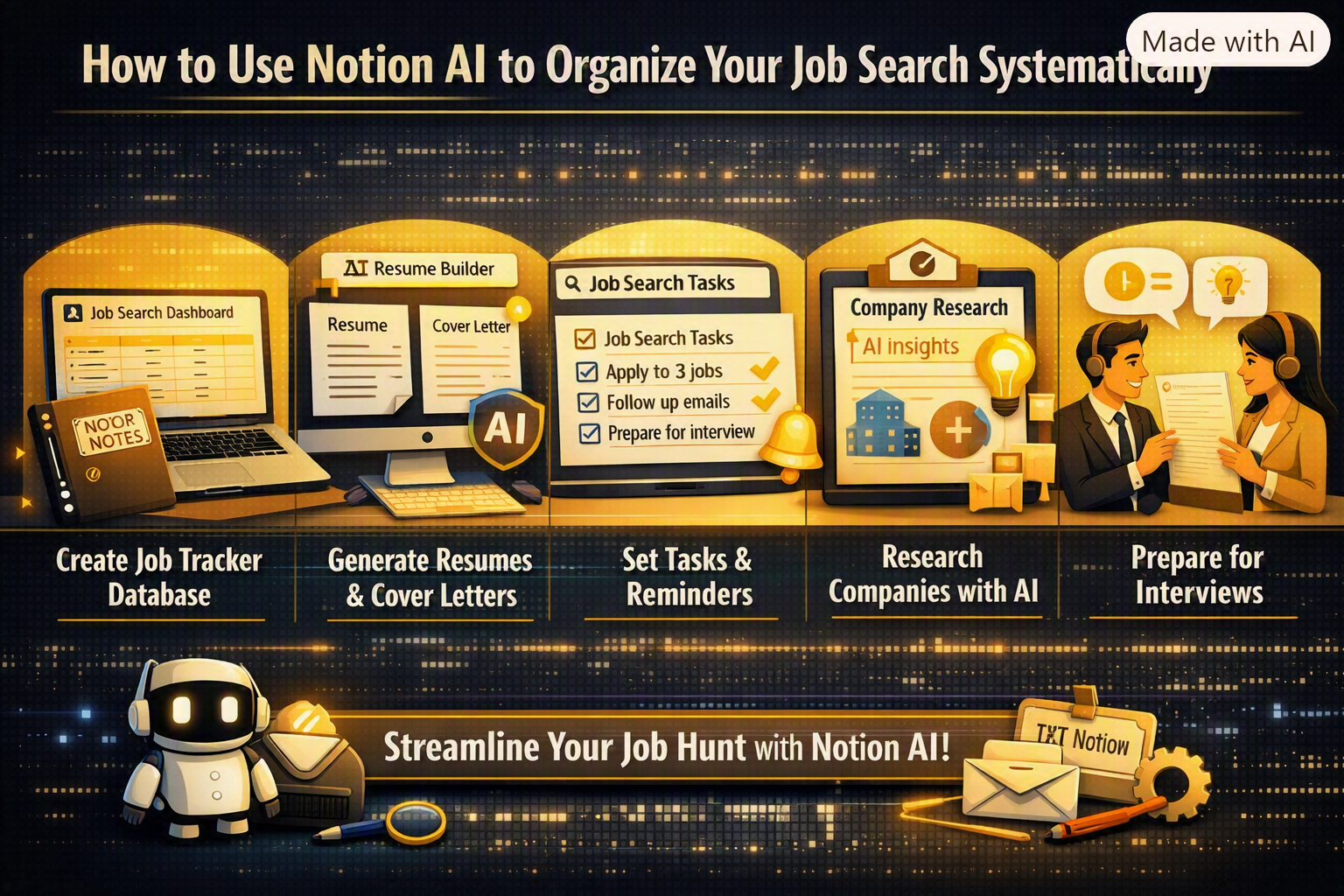
How to Use Notion AI to Organize Your Job Search Systematically?
1. Create One Place for Your Job Search
The first step is to create one Notion page for your job search. Instead of keeping all job information in WhatsApp, bookmarks in browsers, Excel spreadsheets, and notes everywhere, try to consolidate everything in one place.
Create a database with columns like:
- Company name
- Job title
- Job link
- Location
- Job type
- Application date
- Application status
- Interview date
- Salary
- Contact person
- Follow-up date
- Notes
Customize the columns or add additional information according to your preferences. The idea is to have a single source of truth and know what is going on with all your applications at a glance.
2. Use Notion AI to Summarize Job Descriptions
Sometimes job descriptions can be really long, and it takes a lot of time and effort to read and understand them all. Notion AIs can help you to summarize job descriptions and extract the most important information. You can paste the job description in your Notion page and ask the AI to summarize the key requirements, duties, skills, and qualifications for this position.
For instance, you can ask the AI to summarize the job description and extract requirements in bullet points. Then, you can cross-reference this information with your resume and decide if you are a good fit for this position.
3. Identify Skill Gaps
One of the typical cases where one might be inclined to use this tool when looking for a job is to help identify skill gaps.
After adding a job description, one option could be to ask Notion AI to extract the relevant skills in the job description and then compare them to one’s own skillset.
If, for instance, one is applying to several positions using the same qualifications and those job descriptions have specific skills in common, it can be helpful to know that one might lack those skills. This way, one can determine what courses to take, instead of just taking random courses blindly.
4. Organize Applications by Status
Not all applications are likely to be in the same status. Some are newly saved, some applied, some are screening, and some are already at the interview stage. One might want to create statuses to organize one’s job search. Possible statuses could be:
Interested → To Apply → Applied → Screening → Interview → Offer → Rejected
This way, one can get an overview of the current status of one’s applications. One can set up several views in one’s Notion, such as all applications, upcoming interviews, and so on.
5. Track Follow-Ups
The problem with following up is that it is not easy when you have a lot of applications to keep track of. So, we will do that by adding a follow-up date to each application. When you apply somewhere, you can decide when you want to follow up next. And you can keep all those dates in your Notion application tracking system.
Using Notion AI, you can ask for a sample follow-up message as well. So instead of spending hours thinking what to say, you can let the AI create a short polite message based on your case. Just make sure you review it before sending, so it doesn’t look like it was written by an AI.
6. Keep Your Resume and Cover Letter Info Organized
Depending on the job description, your resume may need to look slightly different. If you are applying to content writing, marketing, or sales jobs, or any other positions, you probably want to highlight different experiences and skills.
To solve this, you can keep your different resume variations in one place (your Notion database) and update them as needed. Here is how you can organize your resume in Notion:
- Content Writing Resume
- Marketing Resume
- Fresher Resume
- Resume
You can also keep all the cool stuff you achieved or learned in one place. That way, you will have everything you need to prepare a perfect resume for the specific job you are applying to.
Conclusion: Notion AI
How to use notion AI to organize your job search systematically is not a simple way of making another list in the digital world to keep a record of something. This is a powerful tool that will simplify the way one looks for a job, manage their leads, see what skills are required, follow-up on the applications, and much more.
Having this board and the proper use of AI will significantly minimize the stress of searching for a job by increasing the organization and reducing the number of actions taken. It is important to make the right choices and not apply blindly, wasting time and energy on irrelevant opportunities.
A systematic job search can save time and help you stay organized. Use Notion AI to track applications, manage deadlines, organize job details, and plan follow-ups effectively. Make your job search more focused and discover better career opportunities with Best Job Tool.






Comments
Be the first to leave a comment.