

Introduction
While a resume and a good interview are obviously important, the way you communicate with recruiters, hiring managers, and your future employer can also be an important factor in landing a position. Even little details, such as how you schedule a meeting, how you reply to emails, and the way you manage your availability can contribute to your overall impression.
A convenient tool that can be used for this purpose is called Calendly. Generally, Calendly allows people to schedule meetings using a specialized online platform. Instead of multiple emails back and forth, you can simply share a link and allow people to choose a time that is convenient for you.
In terms of job searches, learning how to use Calendly to appear more professional during job searches can be helpful by streamlining communication with recruiters and hiring managers.
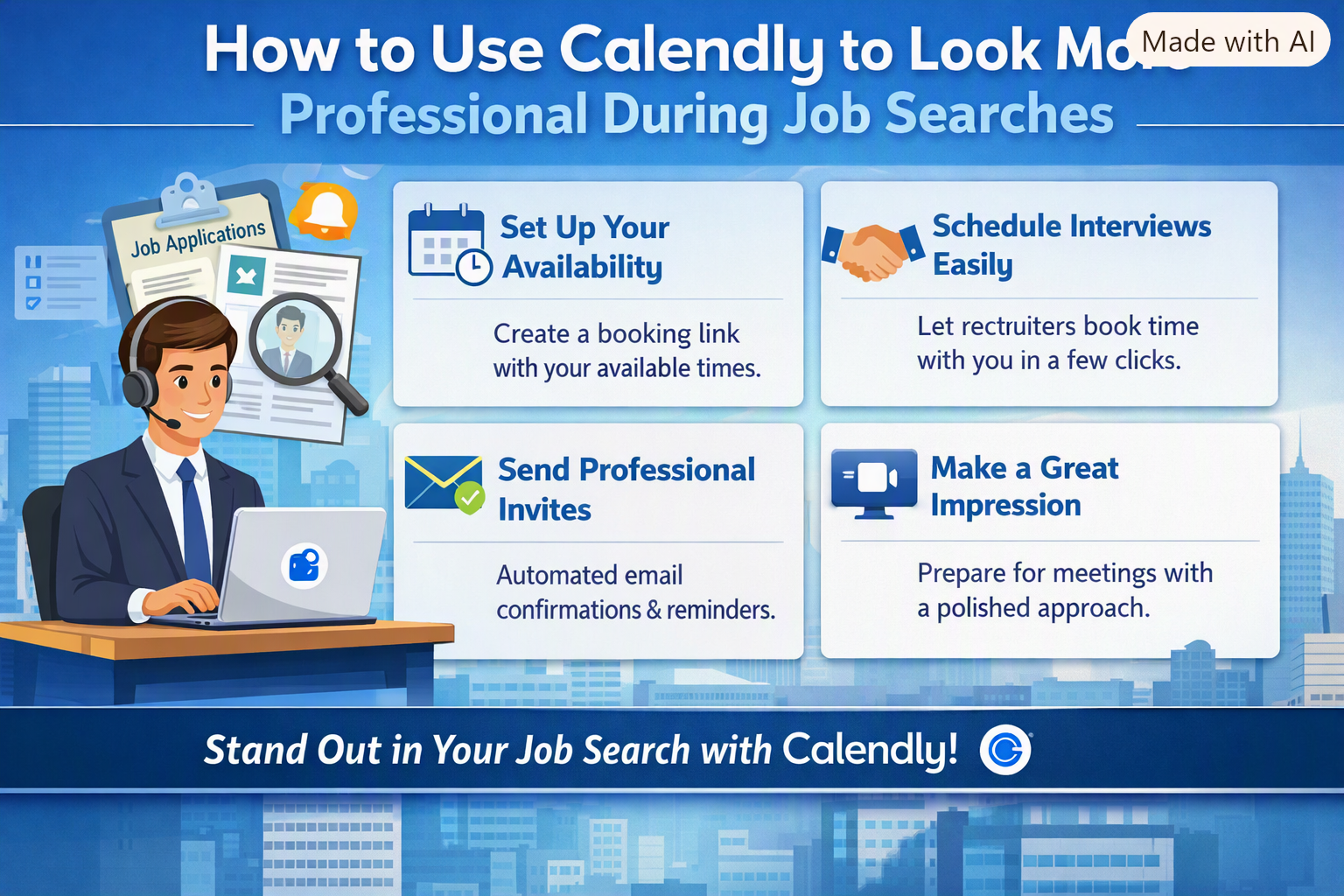
How to Use Calendly to Look More Professional During Job Searches?
1. Create a Professional Calendly Profile
The first step to using Calendly in a professional manner is to set up a professional online profile. Make sure to add your name and a professional email address. If possible, add a professional photo.
The Calendly profile should mirror the appearance of your LinkedIn profile and resume. Do not try to be funny or add unprofessional information to your Calendly profile. If the platform allows doing so, you can also add a short description of why you have scheduled the meeting.
For instance, if you have scheduled a meeting with a recruiter, you can write that the meeting is for discussing your experience and potential job opportunities.
2. Set Your Availability Appropriately
Perhaps, the most convenient aspect of using Calendly is the ability to set your availability. Instead of asking a recruiter or hiring manager to suggest available times, you can specify which hours you are free
Make sure to set the times that you are actually available. For instance, you may want to keep certain hours free in order to accommodate multiple recruiters or hiring managers. In addition, you may want to keep your availability split into mornings and afternoons.
Make sure to keep your availability up to date. If someone has scheduled a meeting with you, make sure that these times are no longer available.
3. Create Different Meeting Types
Depending on the purpose of your meetings, you may also want to create different meeting types in Calendly.
For instance, you may want to distinguish between short 15-minute meetings with recruiters and longer hour-long meetings with hiring managers. Doing so will also help you and your interlocutors understand how much time you will spend on the meeting.
It is better to keep the system simple. Ideally, a recruiter should be able to understand what kind of meeting is needed without even looking at the description. If you have too many meeting types, it may become more difficult to schedule a meeting, especially if an interlocutor is unsure of the purpose.
4. Add a Professional Booking Message
When someone books a meeting with you, they will see a special booking message. Make sure to add a professional yet friendly message. You can write something like “Thank you for your message. Please select a convenient time below, and I will be looking forward to our conversation.”
A short and professional message will leave a good impression on the recruiters and hiring managers.
5. Connect Your Personal Work Calendar
If possible, connect your personal work calendar to Calendly in order to avoid double-bookings. This way, if you have already scheduled a meeting with someone, Calendly will understand that certain hours are already taken.
This feature is especially useful if you apply to multiple companies at once. You may have multiple recruiters, interviews with hiring managers, and networking events to attend. All of these meetings should be scheduled during the same time, and connecting your work calendar to Calendly will help you avoid double-booking.
6. Use Calendly Links in Emails
You do not need to use your Calendly link in every email. It is better to use them only when you have actually scheduled a meeting.
For instance, if a recruiter has contacted you and asked when you are available to discuss job opportunities, you can reply with a Calendly link. Doing so will save you and the recruiter time and effort. You can also write a short message, such as “Please feel free to choose any convenient time from my calendar.
It will be more convenient than asking me to reply to your email.
Conclusion
Calendly is a very convenient tool, but a little preparation can make the scheduling process easier. Keeping your profile and messages professional, along with setting a convenient availability and preparing for the calls, can help you make a good impression on recruiters and hiring managers.
More importantly, using Calendly will show that you care about other people’s time and can manage your own time in an efficient manner. Combined with a good resume, professional email correspondence, and a solid interview, it will become a great addition to your job-hunting strategy.
Ready to make your job search more professional? Use Calendly to simplify interview scheduling, reduce back-and-forth emails, and create a smoother experience for recruiters. Explore Calendly and make it your best job tool platform for managing professional connections and interviews.






Comments
Be the first to leave a comment.